● Online
Website Redesign Checklist

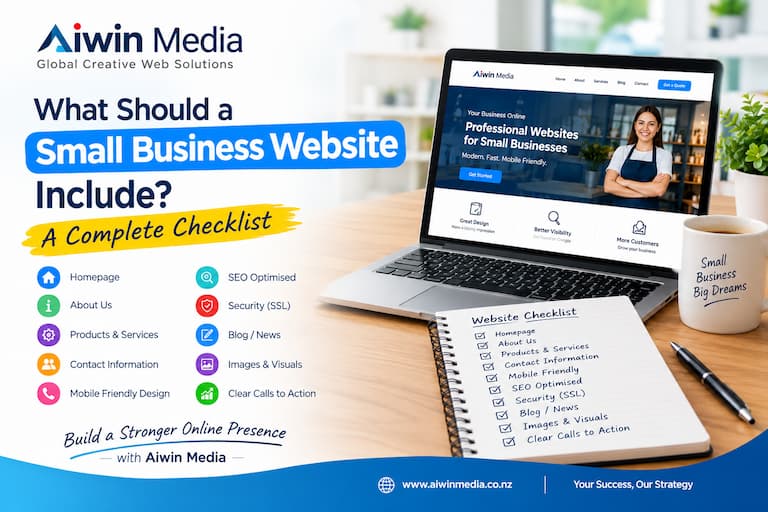
Website Redesign Checklist for New Zealand Small Businesses
Is your business website looking outdated, loading slowly, or failing to generate enquiries? A professional website redesign can help your business create a better first impression, improve the user experience, and attract more potential customers.
For small businesses in New Zealand, a website should do more than look attractive. It should work smoothly on mobile devices, provide clear information, appear in relevant Google searches, and make it easy for customers to contact you.
1. Review Your Current Website
Before redesigning your website, identify what needs improvement. Check whether the design looks modern, the content is accurate, the navigation is simple, and contact details are easy to find. Remove outdated information and make sure your services are clearly explained.
2. Make Your Website Mobile-Friendly
Many customers browse websites using smartphones and tablets. Your redesigned website should adjust to different screen sizes, display readable text, and include buttons that are easy to tap. A mobile-friendly website helps visitors find information without unnecessary frustration.
3. Improve Website SEO
Search engine optimisation should be considered before and during a redesign. Review your page titles, meta descriptions, headings, image alt text, internal links, and existing website content.
Keep useful page URLs wherever possible. If a URL must change, implement an appropriate redirect to help visitors and search engines reach the correct page. Submit updated URLs through Google Search Console when necessary.
4. Improve Website Speed and Navigation
Visitors expect websites to load quickly and make information easy to find. Optimise images, remove unnecessary elements, and ensure your navigation menu is straightforward. Important pages, including services, about, and contact pages, should be easy to access.
5. Build Trust with Visitors
Your website should clearly display your business name, contact details, services, and relevant business information. Use HTTPS, maintain your website software, and ensure contact forms work correctly. Genuine testimonials and examples of completed projects can also help build customer confidence.
6. Add Clear Calls to Action
Make it easy for visitors to take the next step. Include clear options such as “Get a Quote,” “Contact Us,” or “Call Now” where appropriate. Keep enquiry forms simple and ask only for the information you need to respond to potential customers.
7. Choose the Right Web Design Company
When selecting a web design company, compare its services, portfolio, pricing, ongoing maintenance arrangements, and customer support. Confirm who owns the domain name, website files, and content. Choose a solution that suits your business goals and budget.
Conclusion
A well-planned website redesign can improve your online presence, make your business look more professional, and help turn visitors into enquiries. By reviewing your design, mobile usability, SEO, speed, and calls to action, you can create a website that better serves your customers.
Aiwin Media provides website design and development solutions for businesses in Hamilton, Waikato, and across New Zealand. If your website needs an update, contact Aiwin Media to discuss your requirements and request a quote.